
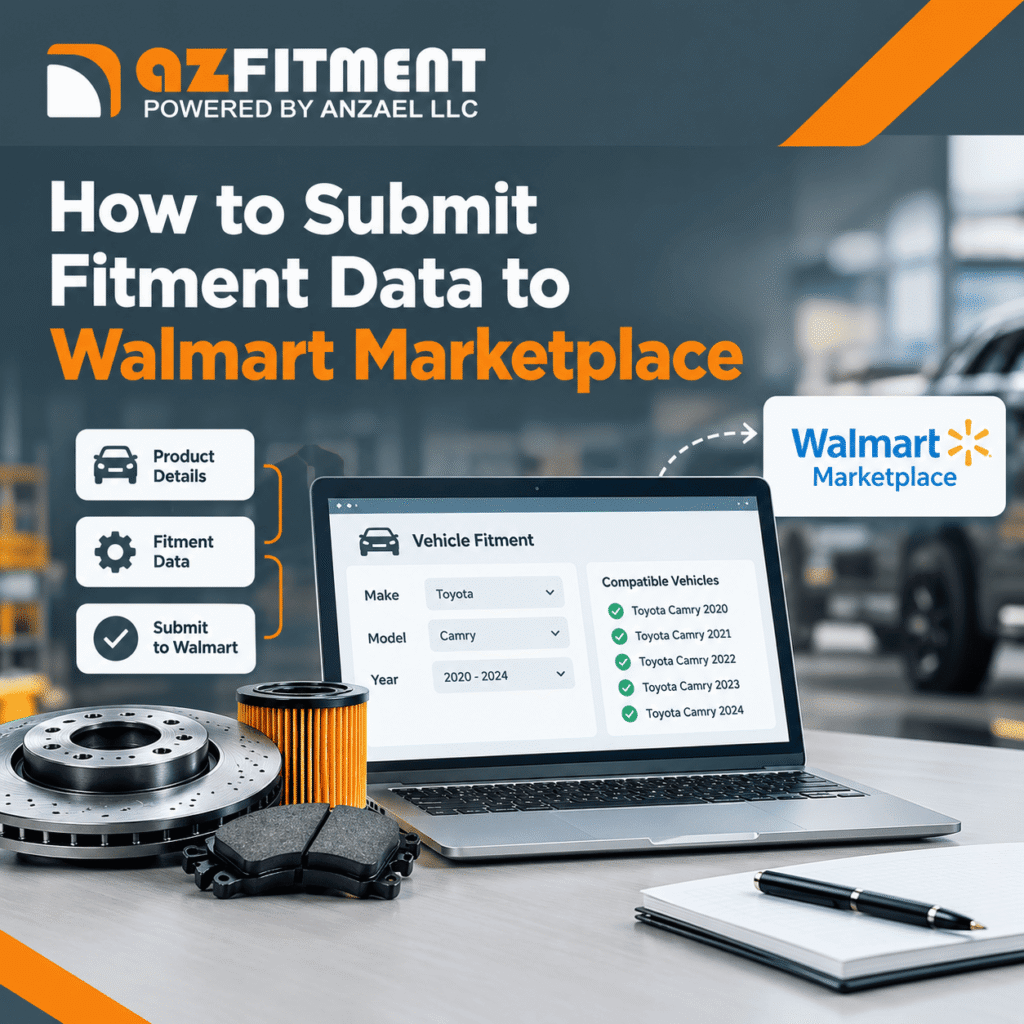
Selling automotive parts on Walmart Marketplace requires more than accurate product titles, images, and pricing. Customers also need to know whether a part fits their specific vehicle. That is where Walmart fitment data becomes essential.
Vehicle fitment data connects an automotive product to compatible vehicles based on information such as year, make, model, engine, and other applicable specifications. Accurate compatibility information helps shoppers find relevant products, make informed purchasing decisions, and avoid ordering incorrect parts.
For sellers looking to expand their automotive catalog, understanding how to submit fitment information correctly is an important step toward improving listing quality and customer experience.
What Is Walmart Fitment Data?
Walmart fitment data identifies which vehicles are compatible with a particular automotive part or accessory. Walmart uses product identification and vehicle compatibility information to associate automotive listings with the appropriate vehicles.
This information supports Walmart’s automotive fitment experience, helping customers discover products that match their selected vehicles.
For sellers offering Walmart Marketplace auto parts, accurate fitment information can help improve product discoverability and reduce compatibility-related returns. However, submitting data does not guarantee higher rankings or sales; results also depend on listing quality, competition, pricing, and other factors.
What Do You Need Before Submitting Fitment Data?
Before starting the submission process, organize your product information and verify its accuracy.
Prepare the following:
- Product Brand: The correct brand associated with the Walmart listing.
- Manufacturer Part Number (MPN): The manufacturer’s official part number, matching the published value exactly.
- Vehicle compatibility information: Supported vehicle applications and applicable configurations.
- ACES XML or Walmart Excel template: One of Walmart’s supported methods for providing vehicle compatibility.
- Validated catalog data: Consistent product identifiers, vehicle applications, and part classifications.
Walmart’s current automotive fitment guidance emphasizes accurate Brand Name and manufacturer-published MPN values. If you submit ACES XML, the file must also meet the applicable ACES requirements, including its brand and part terminology identifiers.
Always consult Walmart’s latest official automotive fitment documentation before preparing your submission.
How to Submit Fitment Data to Walmart Marketplace
Step 1: Verify Your Product Identifiers
Start by checking the brand and MPN for every automotive item. The brand must match Walmart’s product information requirements, and the MPN must correspond exactly to the manufacturer’s published part number.
Avoid substituting internal SKUs, warehouse codes, or modified part numbers. Incorrect identifiers can prevent Walmart from associating compatibility information with the right listing.
Step 2: Choose Your Fitment Data Format
Walmart supports two primary approaches for providing vehicle compatibility information.
Option A: ACES XML
ACES (Aftermarket Catalog Exchange Standard) is an industry standard for exchanging vehicle application data. It is useful for manufacturers, distributors, and sellers managing structured automotive catalogs.
Your ACES file should contain the required brand identification, part number, part terminology information, and applicable vehicle applications. Follow Walmart’s current file requirements for supported configurations, positions, packaging, and validation.
Option B: Walmart Vehicle Compatibility Excel Template
If you do not have an ACES XML file or the appropriate data infrastructure, Walmart’s Vehicle Compatibility Excel Template provides an alternative.
Use the latest template and its reference guide. Ensure the brand and MPN match the listing, select supported part types, and enter vehicle values exactly as specified in Walmart’s documentation.
Step 3: Submit Your Fitment File
For API-based submissions, Walmart documents the Bulk Item Update API workflow for supported fitment feeds. ACES compatibility submissions use the FITMENT_ACES feed type. FITMENT_PIES remains available for its supported workflows.
Follow Walmart’s current requirements for file format, ZIP packaging, file size, and submission method. Sellers using other approved integrations or workflows should follow the instructions applicable to their account and solution provider.
Do not assume that uploading a regular product spreadsheet automatically publishes vehicle compatibility data. Item setup and fitment-file submission are related but distinct processes.
Step 4: Monitor Processing and Fix Errors
After submitting your file, monitor its processing status using Walmart’s supported feed-status tools. Review any available error reports to identify rejected records, incorrect identifiers, invalid vehicle values, or formatting problems.
Correct the reported issues and resubmit the affected data. Once processing is complete, verify that the intended products are associated with the correct vehicle applications.
Common Walmart Fitment Submission Mistakes
Even a well-organized catalog can encounter compatibility issues. Watch for these common problems:
- Brand names that do not match the Walmart listing.
- MPNs containing incorrect prefixes, suffixes, or substitutions.
- Unsupported vehicle configurations or part types.
- Invalid XML structure or incorrectly packaged files.
- Missing or outdated vehicle applications.
- Assuming successful feed submission means every fitment record has been published correctly.
Regular validation helps maintain consistent product data as your catalog grows.
How azFitment Can Help Sellers Manage Walmart Fitment Data
Managing fitment manually across hundreds or thousands of products can be time-consuming. Sellers must maintain vehicle applications, validate identifiers, organize catalog information, and prepare data for supported marketplace workflows.
azFitment provides automotive fitment data management services, including ACES and PIES management, fitment validation, catalog maintenance, and marketplace data distribution. These capabilities can help businesses organize their automotive catalogs and prepare accurate compatibility information for supported platforms.
For businesses looking to sell auto parts on Walmart, a structured fitment management process can simplify catalog maintenance and help reduce avoidable data errors. azFitment can also help Walmart automotive parts sellers manage compatibility information as product applications and catalog requirements change.
Conclusion
Submitting accurate vehicle compatibility information is an important part of building a reliable automotive catalog on Walmart Marketplace. Verify your product brand and MPN, select the appropriate ACES or Excel workflow, follow Walmart’s current submission requirements, and monitor processing results.
With a consistent data validation and maintenance process, a Walmart automotive parts seller can improve listing accuracy and make it easier for customers to identify compatible products.
Need help preparing and managing Walmart fitment data? Contact azFitment to discuss your automotive catalog requirements.
FAQs:
Walmart fitment data identifies the vehicles compatible with a specific automotive part or accessory. It connects product information with supported vehicle applications to help customers find parts that match their vehicles.
You can provide vehicle compatibility using Walmart’s supported ACES XML workflow or Walmart Vehicle Compatibility Excel Template. API-based submissions use supported fitment feed types, including FITMENT_ACES for ACES compatibility files. Always follow the latest Walmart documentation.
Sellers should maintain an accurate product brand, manufacturer-published part number, and compatible vehicle applications. Additional requirements depend on the submission method. ACES files must meet the applicable ACES-specific requirements.
Yes. Walmart provides a Vehicle Compatibility Excel Template as an alternative for supplying vehicle compatibility information. Sellers should use the latest template and reference guide to ensure that the submitted values are supported.
ACES (Aftermarket Catalog Exchange Standard) structures vehicle application and fitment information. PIES (Product Information Exchange Standard) organizes product information, such as descriptions, specifications, and attributes. Both standards support automotive catalog data management.
Possible reasons include mismatched brand information, an incorrect manufacturer part number, invalid vehicle applications, formatting errors, or unsuccessful feed processing. Review the feed status and available error reports, correct the issues, and resubmit the affected data.
Processing time can vary depending on file validation, catalog matching, and Walmart’s processing workflow. There is no universal publication timeframe that applies to every submission. Monitor your feed status and verify compatibility on the affected listings.
Yes. Sellers can maintain vehicle compatibility for existing products using Walmart’s supported fitment workflows. Validate changes before submitting them and check processing results to confirm that the updated information has been accepted.
Accurate fitment data helps customers identify compatible products, improves the relevance of automotive product discovery, and can reduce incorrect purchases and compatibility-related returns. It also supports a more reliable shopping experience.
Yes. azFitment offers automotive fitment data management, ACES and PIES services, validation, catalog maintenance, and marketplace data distribution to help sellers prepare and maintain accurate automotive product information.
